Skip to content
Message Help

Message Help

  • All Articles
  • App
  • Coding
  • Hardware
  • More
    • Operating System
    • Outlook
    • PowerPoint
    • Review
    • Software
    • Tip & Trick
    • Troubleshooting
    • Windows

Tip & Trick — Page 3

How to Set up Ergonomic Workstation: Science-Backed Alignment for All-Day Comfort

October 9, 2026 by Lionel Trujillo
How to Set up Ergonomic Workstation: Science-Backed Alignment for All-Day Comfort

Setting up an ergonomic workstation isn’t just about comfort—it’s about transforming your tech experience from a source of strain to a productivity powerhouse. 💻 I’ve spent years tweaking my own setup, and the…


Read more

Categories Tip & Trick

How to Set up Microsoft Authenticator: Two-Factor Security in Under 2 Minutes

October 8, 2026 by Lionel Trujillo
How to Set up Microsoft Authenticator: Two-Factor Security in Under 2 Minutes

Setting up Microsoft Authenticator takes less than two minutes—and it’s the fastest way to lock down your accounts. ✨ I’ve helped dozens of small business owners and home users add this second layer of protection, and…

Read more

Categories Tip & Trick

How To Set Up Thunderbird Email: Server Sync Made Simple in 5 Minutes

October 10, 2026 by Lionel Trujillo
How To Set Up Thunderbird Email: Server Sync Made Simple in 5 Minutes

Setting up Thunderbird email used to feel like deciphering a cryptic manual, but I’ve streamlined it to five minutes —no tech degree required. ⚡ Back in my uncle’s basement workshop in 1998, replacing a hard drive took…

Read more

Categories Tip & Trick

How to Set up Voice Recognition: Hassle-Free Activation in 5 Minutes

October 6, 2026 by Lionel Trujillo
How to Set up Voice Recognition: Hassle-Free Activation in 5 Minutes

Setting up voice recognition used to take hours of fiddling—until I streamlined it into a 5-minute process that works on Windows, macOS, or Linux. The key is knowing which settings to tweak first, and which ones you can…

Read more

Categories Tip & Trick

Android Voicemail Setup: Step-by-Step Visual Guide for Quick Activation

October 8, 2026 by Lionel Trujillo
Android Voicemail Setup: Step-by-Step Visual Guide for Quick Activation

Setting up voicemail on Android takes less than two minutes —I’ve done it on everything from a Pixel 7 to a budget Samsung, and the process is nearly identical. ⚡ The only thing that changes is your carrier’s specific…

Read more

Categories Tip & Trick

How to Turn Off Automatic Downloads: Disable Unwanted Files in Seconds

October 8, 2026 by Lionel Trujillo
How to Turn Off Automatic Downloads: Disable Unwanted Files in Seconds

My Downloads folder used to be a digital junk drawer—until I learned how to turn off automatic downloads across every app and browser I use. ⚡ The first time I saw my phone storage fill up with random app updates and…

Read more

Categories Tip & Trick

How to Uninstall R on Mac: Clean Removal Without Lingering Dependencies

October 8, 2026 by Lionel Trujillo
How to Uninstall R on Mac: Clean Removal Without Lingering Dependencies

Uninstalling R on your Mac should take less than 10 minutes —but doing it wrong can leave behind hidden dependencies that break other tools. I’ve seen R’s leftover files mess up Xcode builds and terminal workflows after…

Read more

Categories Tip & Trick

How To Uninstall Trend Micro On Mac: Complete Removal Without Lingering Files

October 8, 2026 by Lionel Trujillo
How To Uninstall Trend Micro On Mac: Complete Removal Without Lingering Files

Uninstalling Trend Micro from your Mac should take less than 10 minutes —but I’ve seen it turn into a headache when leftover files slow down your system. ⚡ Back in 2005, my dad and I spent hours scrubbing remnants from…

Read more

Categories Tip & Trick

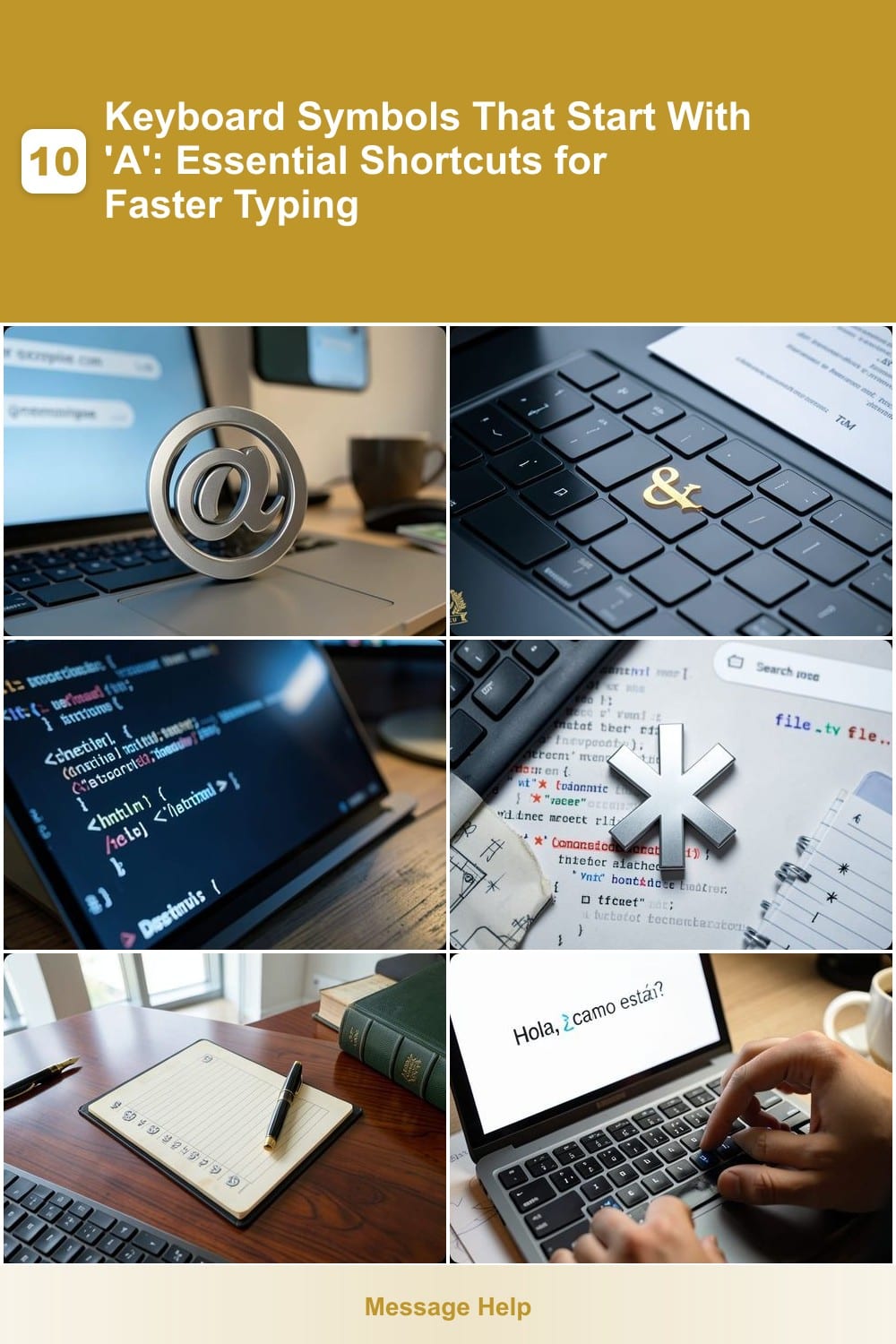
10 Keyboard Symbols That Start With "A": Essential Shortcuts for Faster Typing

October 15, 2026 by Lionel Trujillo
10 Keyboard Symbols That Start With "A": Essential Shortcuts for Faster Typing

Want to type faster and add professional flair to your documents? These 10 essential keyboard symbols starting with 'A' will transform your workflow, from coding to creative writing, with minimal effort. 1 At Symbol (@)…

Read more

Categories Tip & Trick

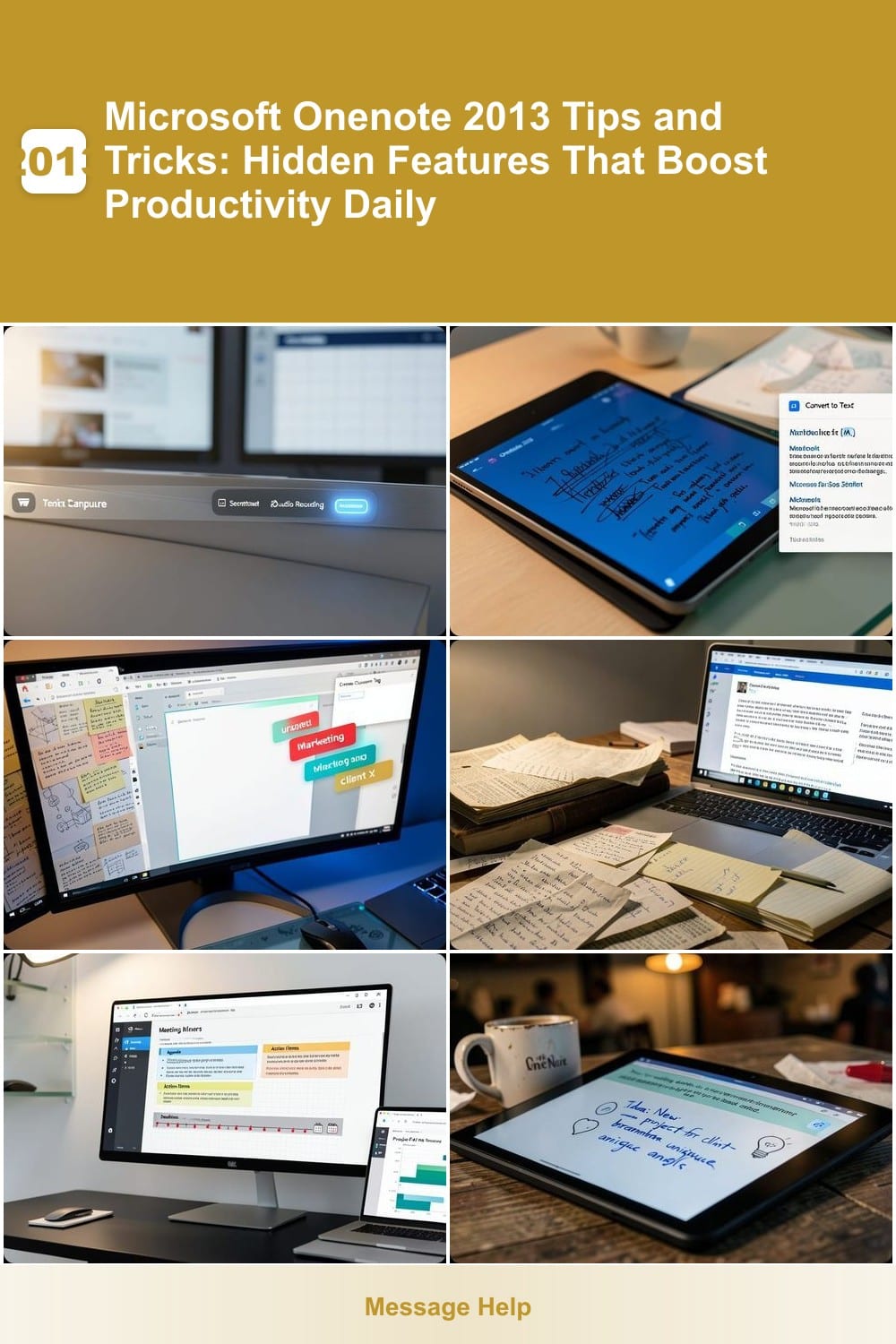
Microsoft Onenote 2013 Tips and Tricks: Hidden Features That Boost Productivity Daily

November 6, 2026 by Lionel Trujillo
Microsoft Onenote 2013 Tips and Tricks: Hidden Features That Boost Productivity Daily

Microsoft OneNote 2013 remains a powerhouse for note-taking and organization, but many users overlook its most powerful features. These seven hidden tips and tricks will transform how you capture, organize, and retrieve…

Read more

Categories Tip & Trick
Page1Page2Page3Page4Next →

About Me

Lionel Trujillo

Lionel Trujillo
My first computer was a hand-me-down 486 with a cracked screen and a whirring fan that sounded like a jet engine. It didn’t do much, but it taught me that technology isn’t just about speed—it’s about what you can do with it. Now, I run this site to help people navigate the digital world, whether they're troubleshooting a stubborn PC, learning a new tool, or just trying to make their tech work *for* them instead of the other way around.

Learn more

Recent Posts

  • Factory Reset Android Phone From Computer: Wireless Wipe Without Touching Your Device
    Factory Reset Android Phone From Computer: Wireless Wipe Without Touching Your Device
  • Downloading Pics From Camera To Computer: Wireless Transfer in 60 Seconds
    Downloading Pics From Camera To Computer: Wireless Transfer in 60 Seconds
  • How to Download an Article From a Website: Browser Shortcuts for Instant Saves
    How to Download an Article From a Website: Browser Shortcuts for Instant Saves
  • How to Download SharePoint Mobile App: One-Tap Setup for On-The-Go Access
    How to Download SharePoint Mobile App: One-Tap Setup for On-The-Go Access
  • Windows 10 Download With Product Key: Legacy System Install Made Simple
    Windows 10 Download With Product Key: Legacy System Install Made Simple
  • All Guides
  • About
  • Contact
  • Privacy Policy
  • Cookie Policy
  • Terms of Use
© 2026 messagehelp.click