
Software
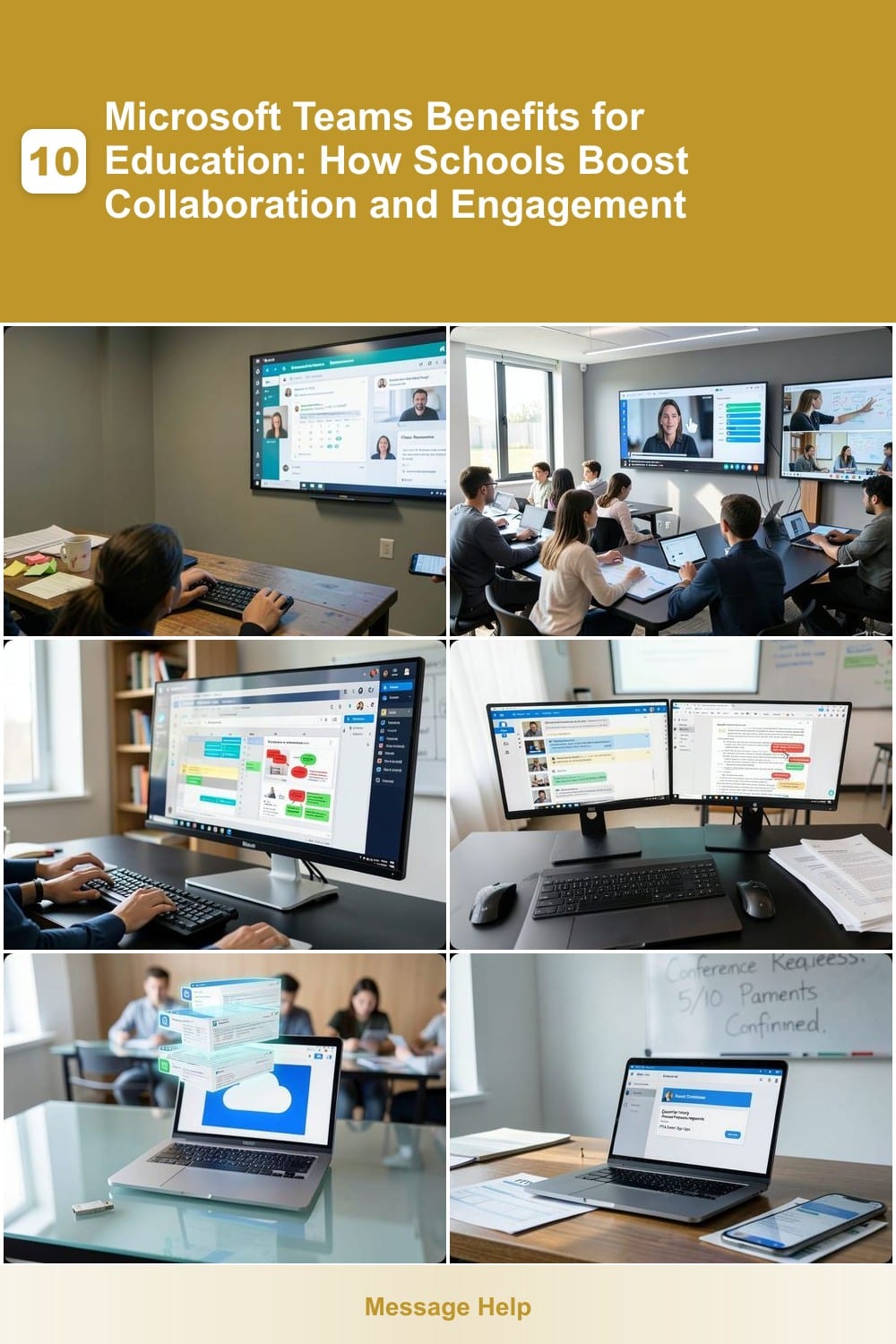
Microsoft Teams is transforming classrooms by making collaboration effortless and engagement interactive. These 10 benefits show how schools can leverage Teams to streamline communication, enhance learning, and prepare students for the digital workforce—all while keeping educators in control.
Seamless Classroom Communication Hub
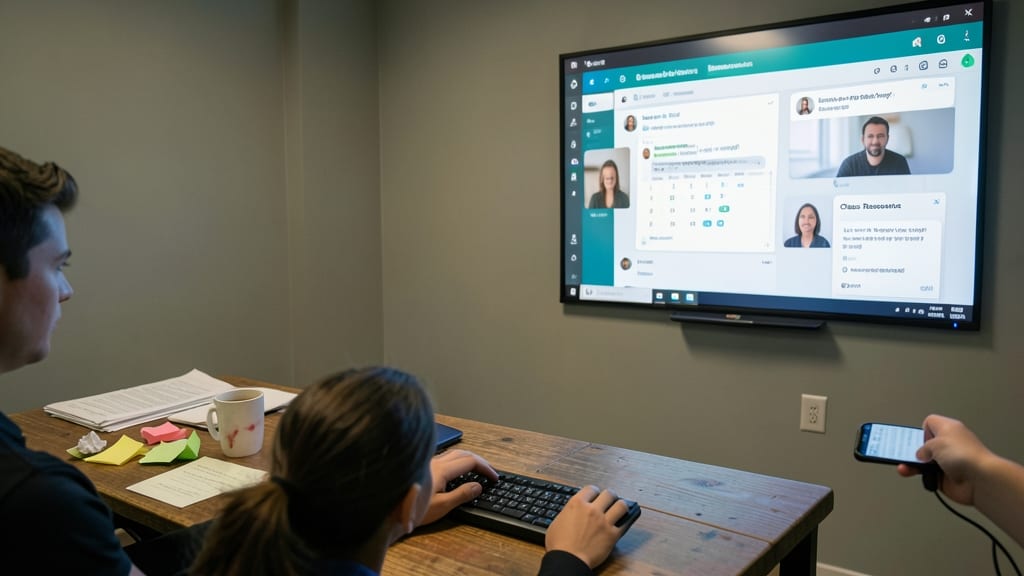
Tired of chasing down parents with missed emails or students who never saw the latest assignment? Microsoft Teams turns chaos into clarity with a single, organized hub for all school communications.
Teachers can post announcements, share files, and host live Q&A sessions—all in one place—while parents receive updates instantly via dedicated channels. The @mentions feature ensures no one misses critical deadlines, and file previews let students access resources without downloading. Plus, customizable tabs let schools add calendars, forms, and even student portfolios for a unified experience.
This is the perfect solution for K-12 schools and districts looking to cut through communication clutter while keeping everyone—students, parents, and staff—on the same page. ✨
Interactive Virtual Classrooms for Hybrid Learning

Hybrid learning doesn’t mean sacrificing interaction—Microsoft Teams turns virtual classrooms into dynamic spaces where every student, whether in-person or remote, feels equally engaged. The platform’s real-time polling and breakout rooms let educators split classes into smaller groups for discussions or collaborative problem-solving, all while tracking participation effortlessly.
With live captions and screen-sharing tools, lessons stay clear and inclusive, while the whiteboard feature mimics traditional classroom collaboration. Teachers can even use reactions and emojis to gauge understanding instantly—no more raising hands over video feeds. The integration with OneNote lets educators share digital lesson plans and annotate them live, keeping everyone on the same page.
This setup is perfect for schools balancing in-person and remote students, ensuring no one falls through the cracks. Whether it’s a high school science lab or a college lecture hall, Teams makes hybrid learning feel seamless. ✨
Built-In Collaboration Tools for Group Projects
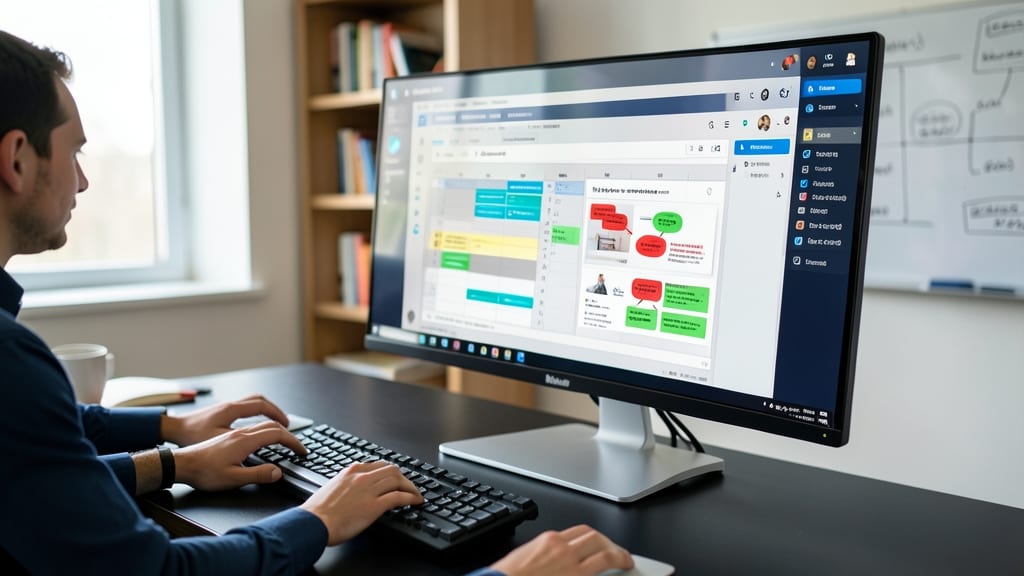
Forget the chaos of tracking down the latest version of a group project—Microsoft Teams’ shared workspace tools turn collaboration into a seamless, real-time experience. Students can co-edit Word, Excel, and PowerPoint files simultaneously, with changes visible as they happen, while built-in task assignments and progress trackers keep everyone accountable.
The Planner integration lets teams break projects into actionable to-do lists with due dates and status updates, while @mentions ensure no one gets left out of the loop. Whether it’s a STEM lab report, a humanities research paper, or a creative design project, these tools eliminate the "I didn’t know it was due" excuses and replace them with clarity and teamwork.
Perfect for educators who want to prepare students for workforce collaboration—without the headache of version control or miscommunication. ✨
Integration with Office 365 for Productivity
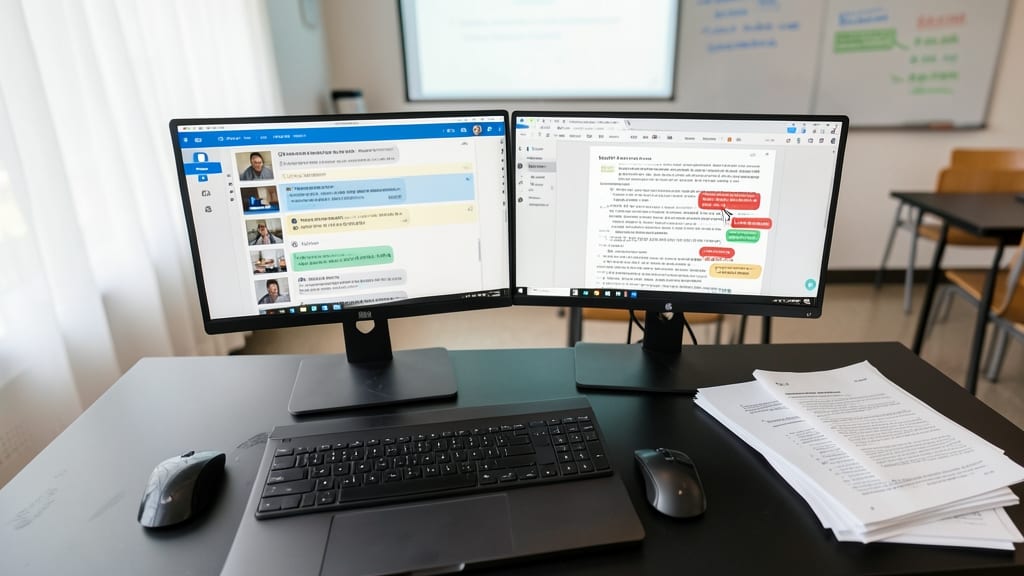
Tired of bouncing between apps to grade assignments or review student work? Microsoft Teams eliminates that frustration by seamlessly integrating with Office 365 apps—Word, Excel, and PowerPoint—right within the platform.
Teachers can embed assignments directly in Word docs, track progress in shared Excel spreadsheets, and provide real-time feedback on PowerPoint presentations—all without leaving Teams. The co-authoring feature lets multiple students edit a single file simultaneously, while commenting tools streamline grading with threaded discussions and @mentions for follow-ups.
This integration is a game-changer for busy educators juggling lesson prep, grading, and communication—saving hours weekly by keeping everything in one place. ✨
Secure File Sharing and Storage

Say goodbye to lost lesson plans and USB drive chaos—Microsoft Teams’ OneDrive integration turns file management into a seamless, secure process for educators. With 2TB of cloud storage per user, schools can store everything from rubrics to student portfolios in one encrypted, searchable hub, accessible from any device.
Files sync automatically across devices, so teachers never have to email attachments or worry about version control. Permission settings let educators restrict access to sensitive documents while still allowing students to submit assignments directly through Teams. Plus, offline access ensures lesson prep continues even without Wi-Fi.
This feature is a game-changer for schools tired of IT headaches—especially those juggling 1:1 device programs or hybrid schedules. 💻
Parent-Teacher Collaboration Made Easy
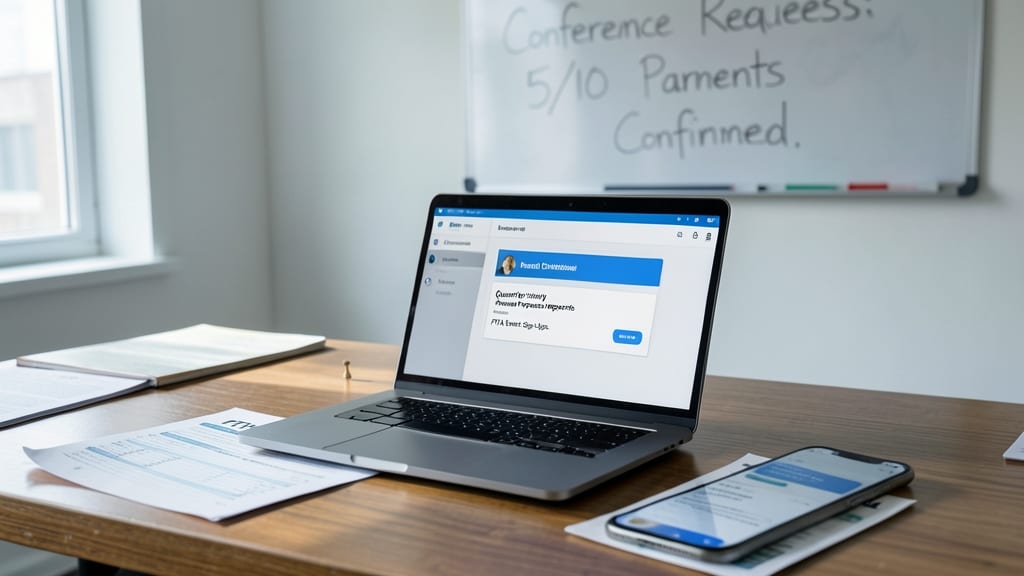
Say goodbye to lost emails and missed parent-teacher conference requests. Microsoft Teams’ dedicated parent channels create a private, organized space where educators can share updates—like quarterly progress reports or PTA event sign-ups—without overwhelming personal inboxes.
Teachers can pin important announcements, tag specific parents for volunteer opportunities, and even schedule one-on-one video check-ins—all within the same platform. The @mention feature ensures messages get seen, while file-sharing keeps permission slips and permission forms accessible 24/7. No more chasing down signatures or digging through cluttered email threads.
This feature is a game-changer for busy parents juggling schedules and for teachers who want to foster stronger home-school connections. It’s collaboration without the chaos. ⚡
Real-Time Translation for Multilingual Schools
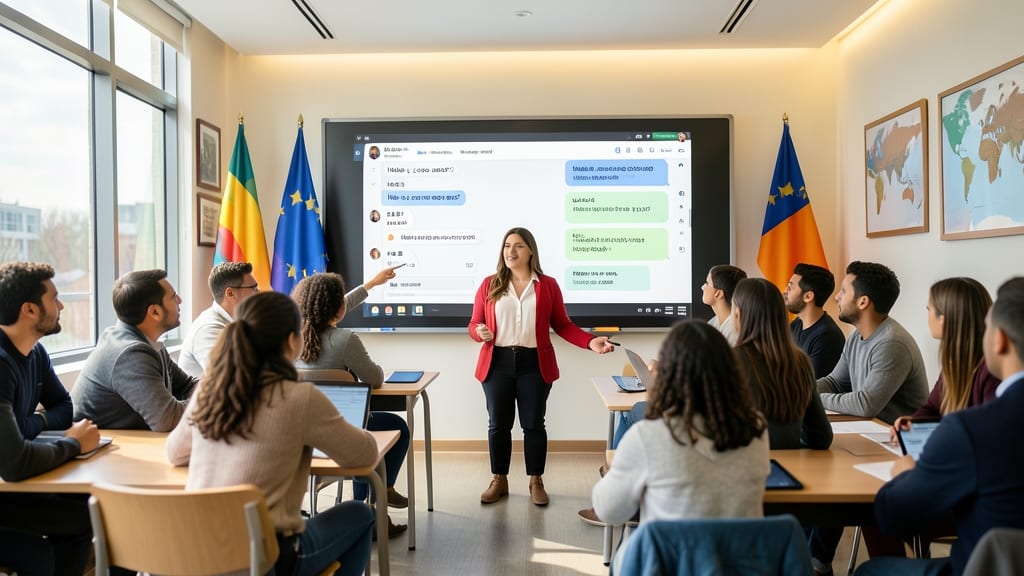
Imagine a classroom where every student—regardless of their native language—can fully engage in discussions and grasp lessons without hesitation. Microsoft Teams’ real-time translation tools make this a reality, offering live captions and instant language translation in meetings and chats.
The Teams Translator supports 60+ languages, including Spanish, Mandarin, French, and Arabic, with near-instantaneous text-to-speech and speech-to-text conversion. Teachers can enable subtitles in real time during lessons, ensuring clarity for non-native speakers while maintaining an inclusive environment. No extra apps or extensions are needed—it’s built right into the platform.
This feature is a game-changer for ESL programs, international schools, and districts with diverse student populations. It ensures no student is left behind due to language barriers, fostering equity and participation. ✨
Automated Attendance and Engagement Tracking

Say goodbye to manual attendance sheets and guesswork about student engagement. Microsoft Teams’ automated tracking tools let educators monitor participation in real time—whether students are joining live lessons, submitting assignments, or interacting in discussion channels.
The platform generates detailed analytics dashboards showing attendance trends, participation rates, and even time spent on tasks. Features like automated check-ins and activity heatmaps highlight at-risk students before grades slip, while customizable alerts notify teachers when engagement drops. No more chasing down missing assignments or wondering who’s silently struggling.
Perfect for administrators tracking district-wide trends and teachers adjusting instruction on the fly, this tool turns data into actionable insights—without adding extra work. 💡
Extensive Security and Compliance Features
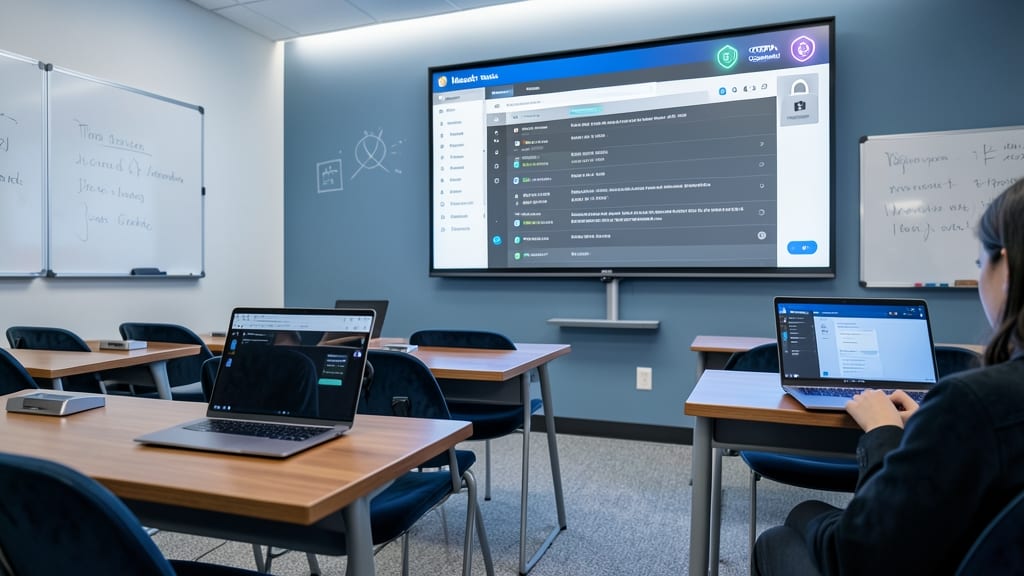
Worried about protecting student data while keeping classrooms connected? Microsoft Teams simplifies compliance with built-in FERPA and COPPA adherence, so schools can focus on teaching—not legal headaches.
Every message, file, and meeting is secured with end-to-end encryption, while admin-controlled access levels let IT teams restrict permissions by role. The Compliance Manager dashboard tracks data retention policies automatically, and immutable audit logs ensure accountability for every action—critical for meeting educational privacy laws.
This is the ideal solution for districts handling sensitive student records, especially those serving K-12 where privacy regulations are strictest. 💻
Cost-Effective Solution for Schools

Struggling to balance tight budgets with cutting-edge tech? Schools with Microsoft 365 Education licensing get Microsoft Teams for free—no hidden costs or third-party subscriptions required. This eliminates the need for expensive alternatives like Zoom or Slack, while still delivering enterprise-grade collaboration tools tailored for classrooms.
The zero-cost model includes all premium features: unlimited video meetings, classroom-specific channels, and integrated Office 365 apps—all without per-user fees. Schools can also leverage admin controls to customize permissions, ensuring compliance without extra licensing headaches. IT departments save hours on setup, as Teams integrates seamlessly with existing school systems.
Perfect for district-wide adoption, this solution lets every teacher, student, and staff member collaborate without financial strain. Districts can focus resources on what matters most—education—while keeping tech infrastructure modern and secure. 💻